
You can upload application packages and import Plugins in LogPoint Search Master from the Applications page. An application package is a collection of pluggable components such as Authentication and System Notification. LPSM provides the LPSM_Default package by default.
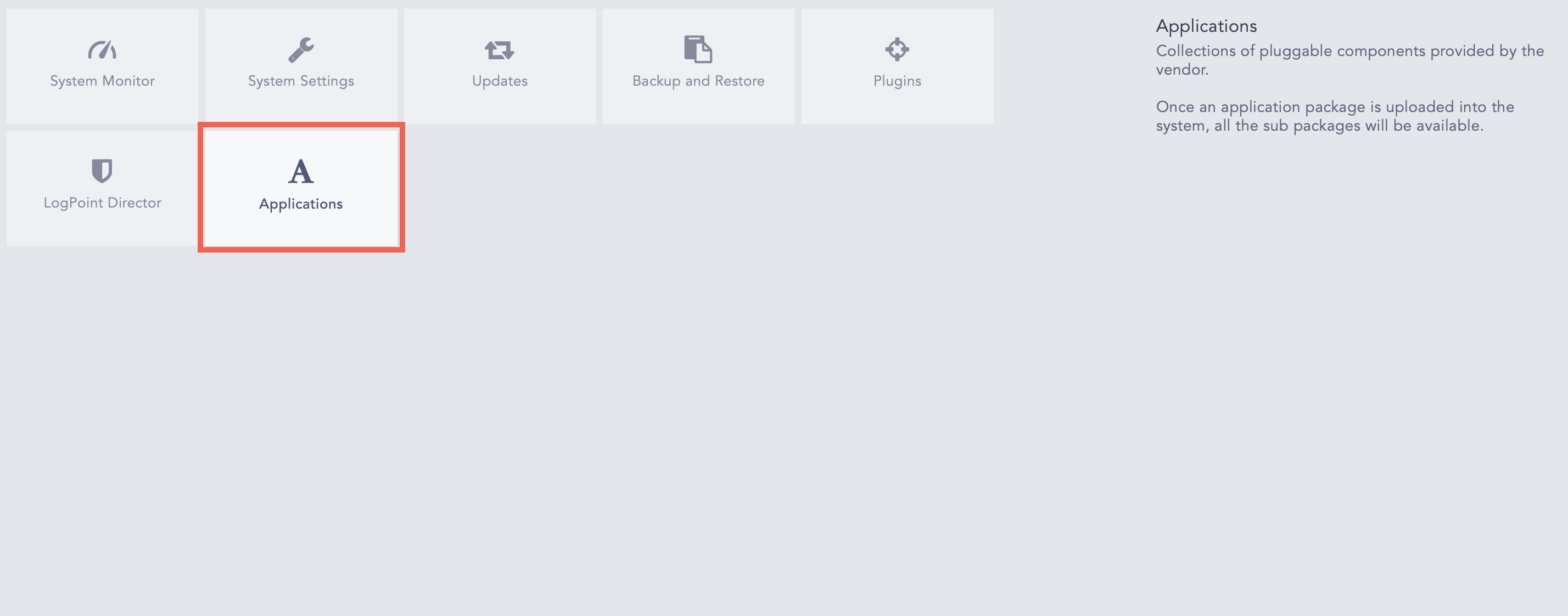
Applications
Go to Settings >> System >> Applications.
Click Import.
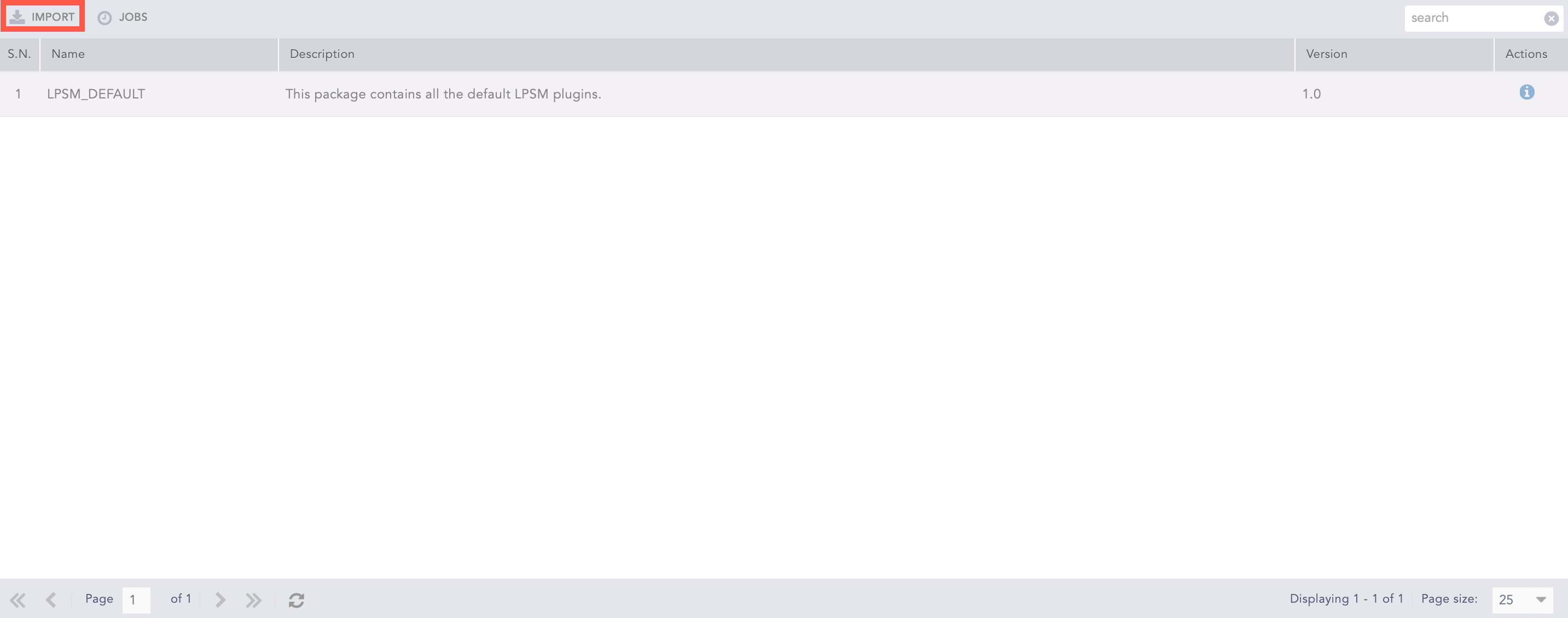
Import
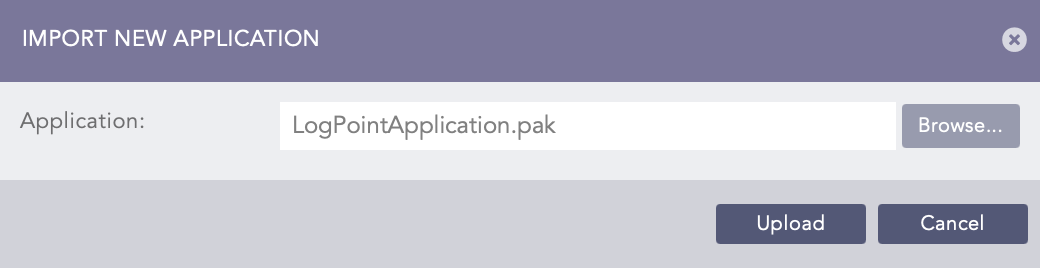
Import Application
Browse the file with the .pak extension. The released .pak files can be downloaded from the LogPoint Help Center.
Click Upload.
Note
Click Details ( ) from the Actions column to view the packages included in the application. Use Filter to browse different categories of the packages.
Click Jobs to view the status details of all the imported applications.